Popular categories
Frequently asked questions
How to create an HTML email template in HubSpot?
We have 450+ HubSpot-compatible email templates for any industry and purpose. Find a template you like, click the “Use an Editor” button, and you will be prompted to sign in to your Stripo account and build your email. All of our templates are fully customizable, so you can edit them until they match your brand design and look the way you imagined.
How to use HubSpot email templates?
Once you’ve picked the perfect HubSpot email template and signed in to your Stripo account, you can start designing your responsive message. Each template element is editable so that you can customize everything from banners and GIFs to footers and product cards.
In the “General Settings” section, you will find parameters like message width, background color and image, font, line spacing, and text direction.
Pick the “Mobile Formatting” section to design your email for mobile users.
In the “Modules” block, you will find prebuilt content blocks like headers, product cards, info on orders, etc. You can customize these modules to match your brand design guidelines and save them to your content library for further use.
How to save email templates in HubSpot?
Your email templates are always available in your Stripo account.
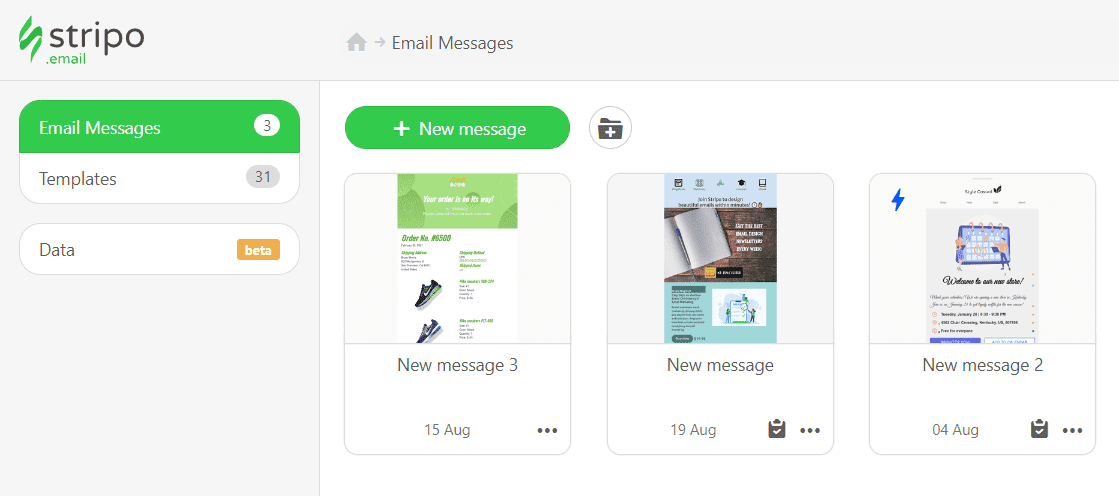
Now, you can export your template to HubSpot within a few clicks:
-
hit the “Export” button;
-
find the “HubSpot” option in the list of ESPs.
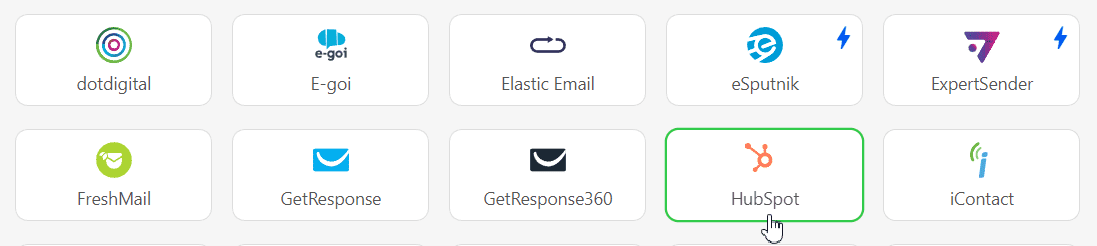
How to send HTML email templates with HubSpot?
To export your email template to HubSpot, you have to connect Stripo to your HubSpot account:
-
click the “Export button” once again.
-
if you are already signed in to your HubSpot account, just pick it from the list in a pop-up window;
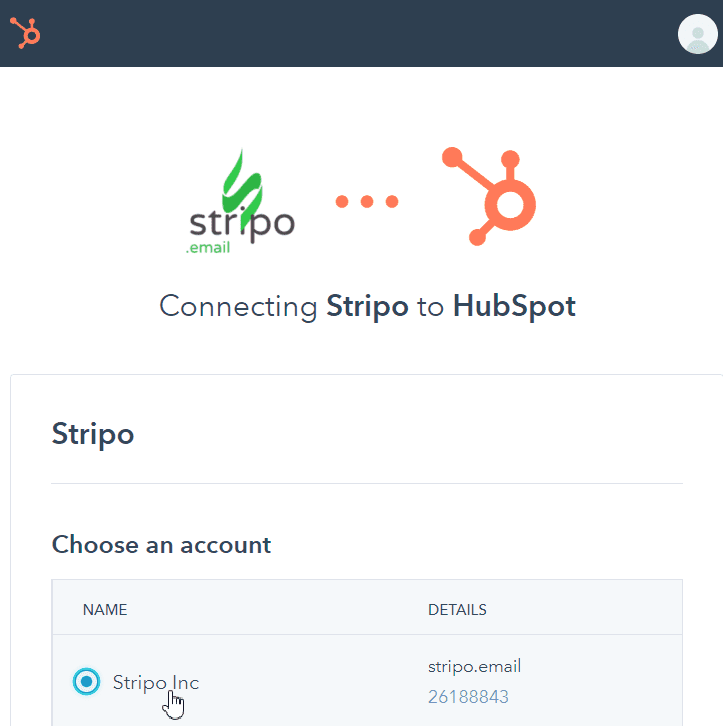
- click the “Connect app” button.
Where to find your email template in HubSpot?
After a successful export, you can find and edit your template by taking the following steps:
-
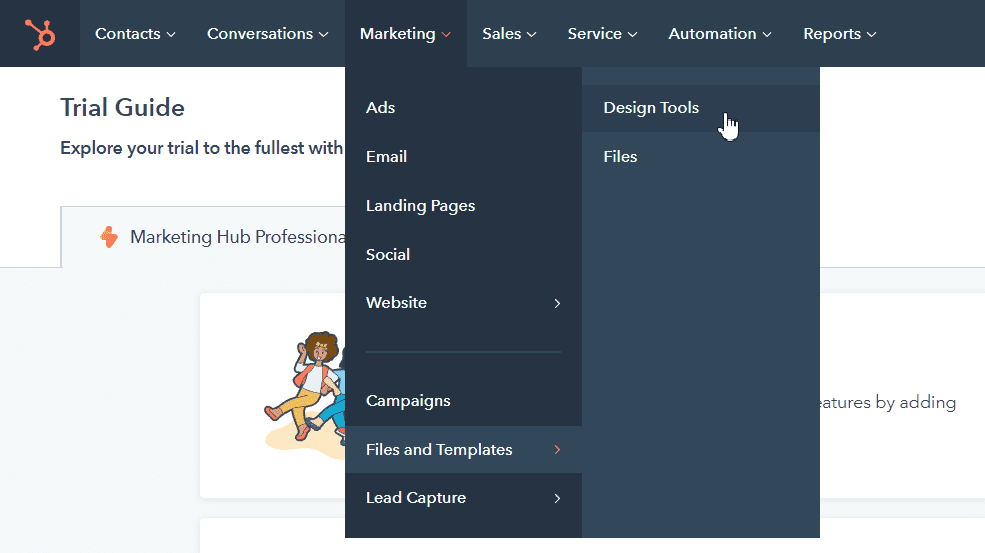
open the “Marketing” section;
-
choose the “Files and Templates” option;
-
go to the “Design Tools” tab;
-
find your template in the “Stripo Templates” section.
Please note that the “Files and Templates” section is available for the HubSpot Marketing Professional and Enterprise packages only.
How to add HubSpot email templates?
You can find and use our HubSpot email templates easily and hassle-free:
- Go for the “Email Templates” block on our website, pick the “Integrations” block, and find the “HubSpot” option. Choose the perfect template, click the “Use in Editor” button, and create your account in a few clicks to start designing your email.
- If you already have an account, you can save some time and find our HubSpot template directly in the editor. Sign in to your Stripo account, choose the “Templates” section, and hit the “Prepared templates” button.
Have any other questions?
If you have more questions on our pricing and plans, contact us so we can help.
Join over 1 600 000 users
Start with free email template builder — upgrade anytime