Email signature design tools: 10 proven solutions
Looking for well-tried email signature design tools for marketers? Explore our in-depth review of proven tools to create impactful, branded email signatures that elevate your professional communication and boost engagement.

Stripo
A versatile email signature design tool with customizable templates, perfect for creating professional, branded email signatures.


Gimmio
A powerful email signature design tool that provides fully customizable templates for creating unique, branded signatures.

Spreadly
A simple, user-friendly digital business card generation tool with email signature design features for professional, targeted signatures.

Signature.email
A straightforward email signature design tool that allows users to create personalized, responsive email signatures.

Newoldstamp
A comprehensive email signature design tool that focuses on creating visually appealing signatures for teams and individuals.

ThriveDesk
An AI-focused, agentic platform that offers unique email signature design tools for facilitated signature management and email unification.

Exclaimer
A robust email signature design tool for organizations, offering advanced features like centralized management and detailed analytics.

MySignature
A user-friendly email signature design tool that provides customizable templates to create professional email signatures for any business or individual.

WiseStamp
An enterprise-grade email signature design tool that focuses on maintaining brand consistency with easy integration across platforms.
Introduction
Email marketing can help a business generate some of the highest ROIs among all customer-communicating platforms. It outdoes even social media marketing, bringing on average up to 40 times more conversions. More than ROI, efficient email marketing is about long-term customer dedication, loyalty, and business reputation — according to Exclaimer’s statistics, 57% of consumers perceive branded emails more favorably. This is why it’s so important to work on the quality of each element of your email campaigns. Namely, how do you close your messages? Custom, professional-looking signatures can instill greater trust and deliver a consistent brand message. With the right tool, you can create such signatures and automate their use. What’s a good email signature design tool? The reviews below suggest ten proven solutions, chosen based on the ratings by TrustPilot, G2, and Capterra, breaking down their features, tariffs, and pros and cons.
Stripo
A versatile email signature design tool with customizable templates, perfect for creating professional, branded email signatures.
Description
Stripo users can employ a variety of pre-made email signature templates. Stripo also enables the creation of personalized email signatures.
Price and rating
The email signature builder is Free forever.
Stripo has high, real review-backed ratings on G2 (4.8 out of 5) and Capterra (4.9), most of which praise an easy-to-use functionality and an ability to tailor emails to relevant industries.
Personal experience
Stripo email signature generator is as simple as a boxing "one-two combo": enter your info, photo, and the company's logo URLs, choose a template, and you're done! All that is left is to open your inbox and save the signature. Wish there were more templates, though their small amount is to some degree compensated for with the variety of possible fonts, tons of them.


Spoiler: Stripo has an outstanding drag-n-drop email editor with a myriad of settings where you can create a custom email signature for your marketing email campaigns.

HubSpot
An easy-to-use email signature design tool that integrates seamlessly with HubSpot’s CRM and email tools.
Description
The renowned HubSpot CRM offers a range of dedicated tools for email marketing and campaign management. In particular, HubSpot’s email signature generator allows users to create, personalize, and optimize a professional email signature that can look like a full-on digital business card. The free version of HubSpot’s email signature maker is available immediately without registration, with a to-the-point UI and functionality. You can instantly add the created signatures to campaigns that you manage with HubSpot or integrate them with other clients and platforms.
Price and rating
HubSpot, rated 4.4 out of 5 by G2 and 4.5 by Capterra, offers a free email signature generator with customizable email signature templates.
Personal experience
HubSpot has everything you need, plus a bit more. Font color change? Check. Add a button? Check. Custom field? Check. A few minutes and you're good.


Gimmio
A powerful email signature design tool that provides fully customizable templates for creating unique, branded signatures.
Description
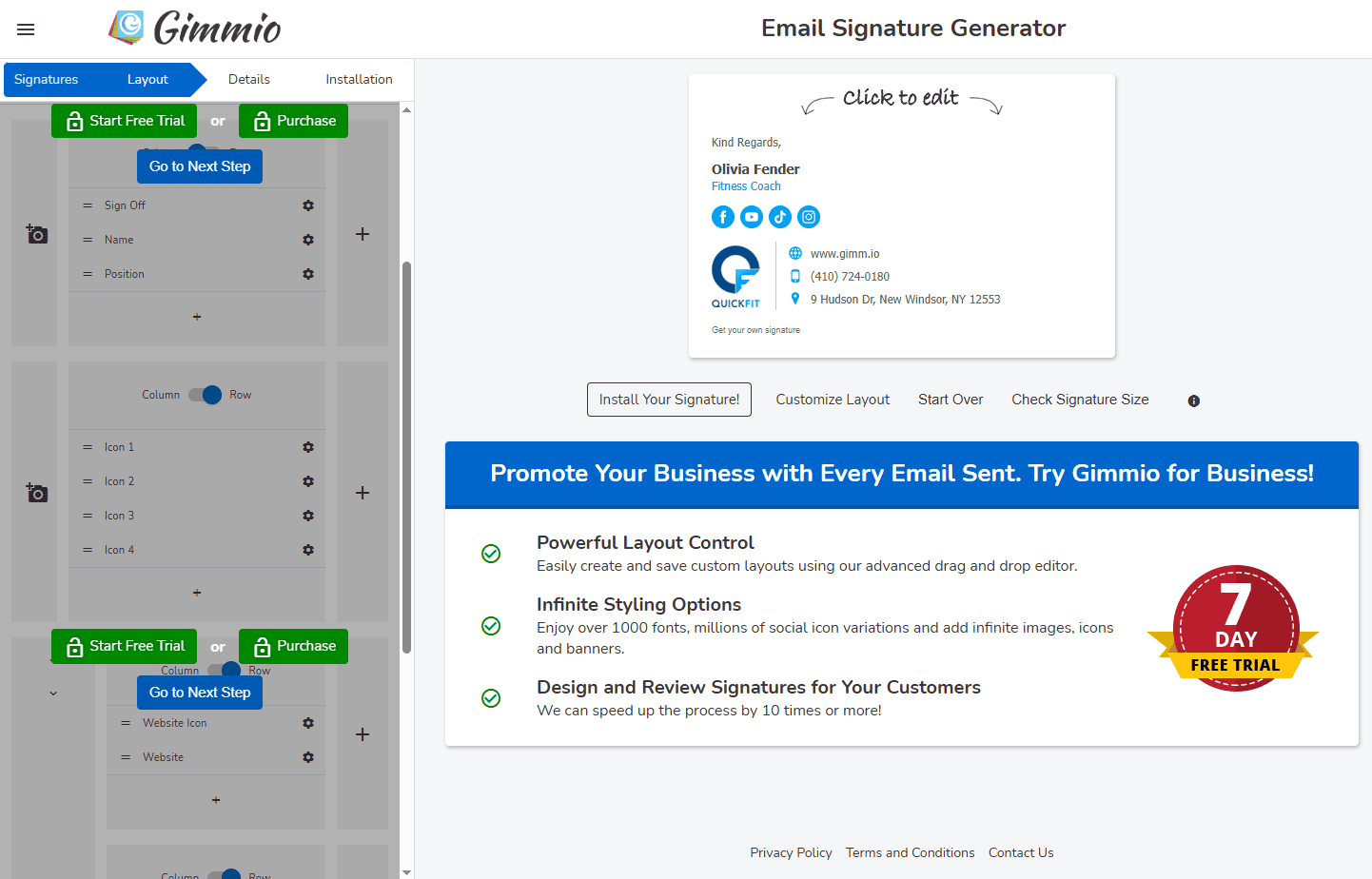
Gimmio’s signature generator is a simple and lightweight editor that offers an instant selection of free email signature templates. There are free options that can help you craft a company-branded email signature right away. But if you want to take things further, paid plans turn Gimmio into an in-depth email signature design tool. Namely, you can fully customize the layout, picking and switching font styles, company logo designs, and additional signature details, like social media and electronic signature buttons.
Price and rating
You can use Gimmio to create multiple email signatures for free, using over 50 available templates. There are also plans for businesses and agencies, respectively, each priced based on the number of signature packages provided and users employing them.
- business: $4 per month for 1 signature package (or $28 per year) and $90 per month for a 1,000-signature package (or $630 per year);
- agency: $10 per month for a 10-signature package (or $70 per year) and $90 per month for a 1,000-signature package (or $630 per year).
Gimmio has a 4 out of 5 rating on G2 and a firm 5 stars on Capterra, with users appreciating Gimmio for a simple, quick, no-nonsense interface.
Personal experience
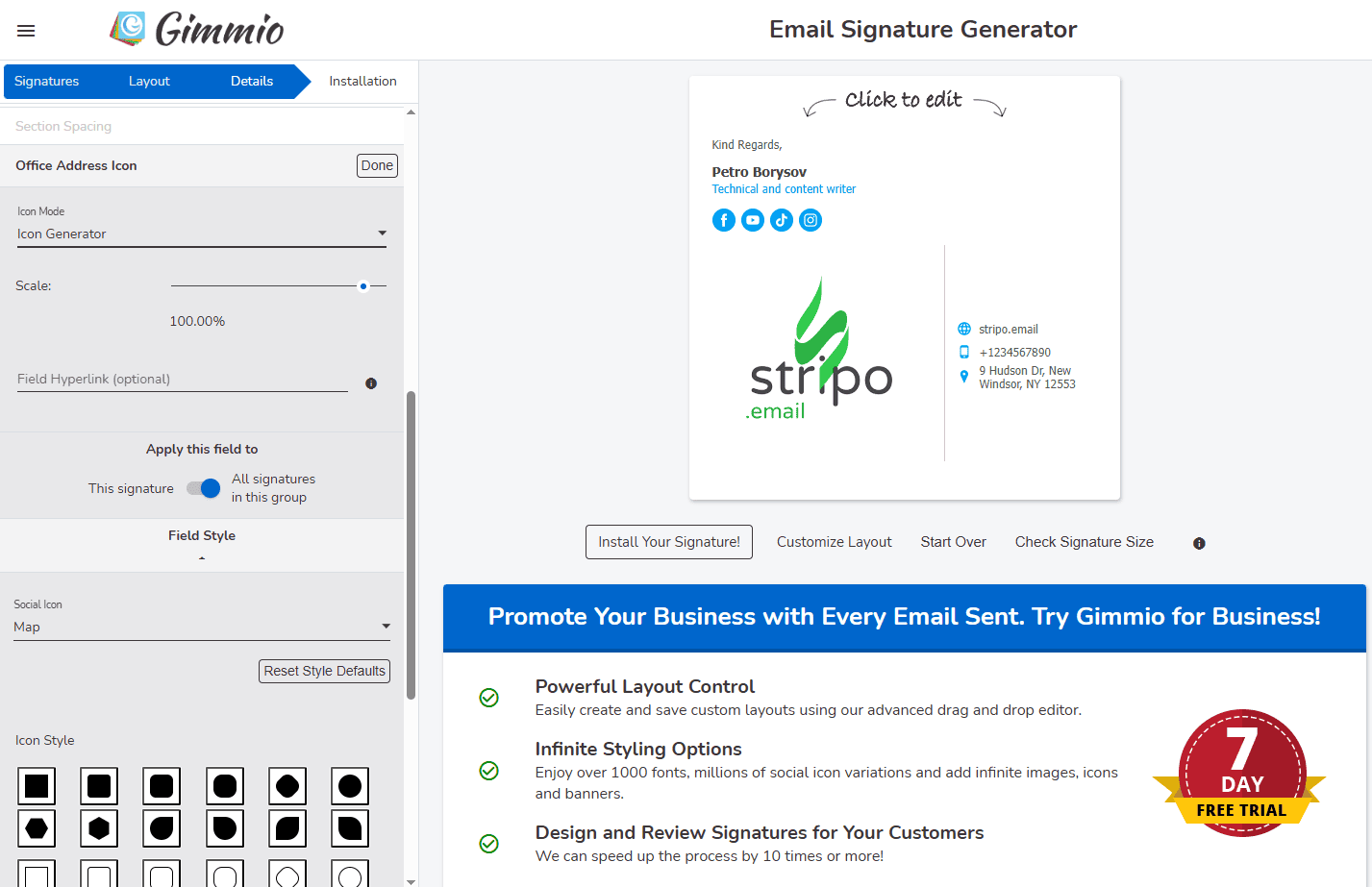
What I liked about Gimmio is a tiny, unobvious detail which you can appreciate when designing your email signature: customizable spacing for each section. This feature is far from being universal. There are enough templates and plenty of adjustments available, but unfortunately, only in the paid version.


Spreadly
A simple, user-friendly digital business card generation tool with email signature design features for professional, targeted signatures.
Description
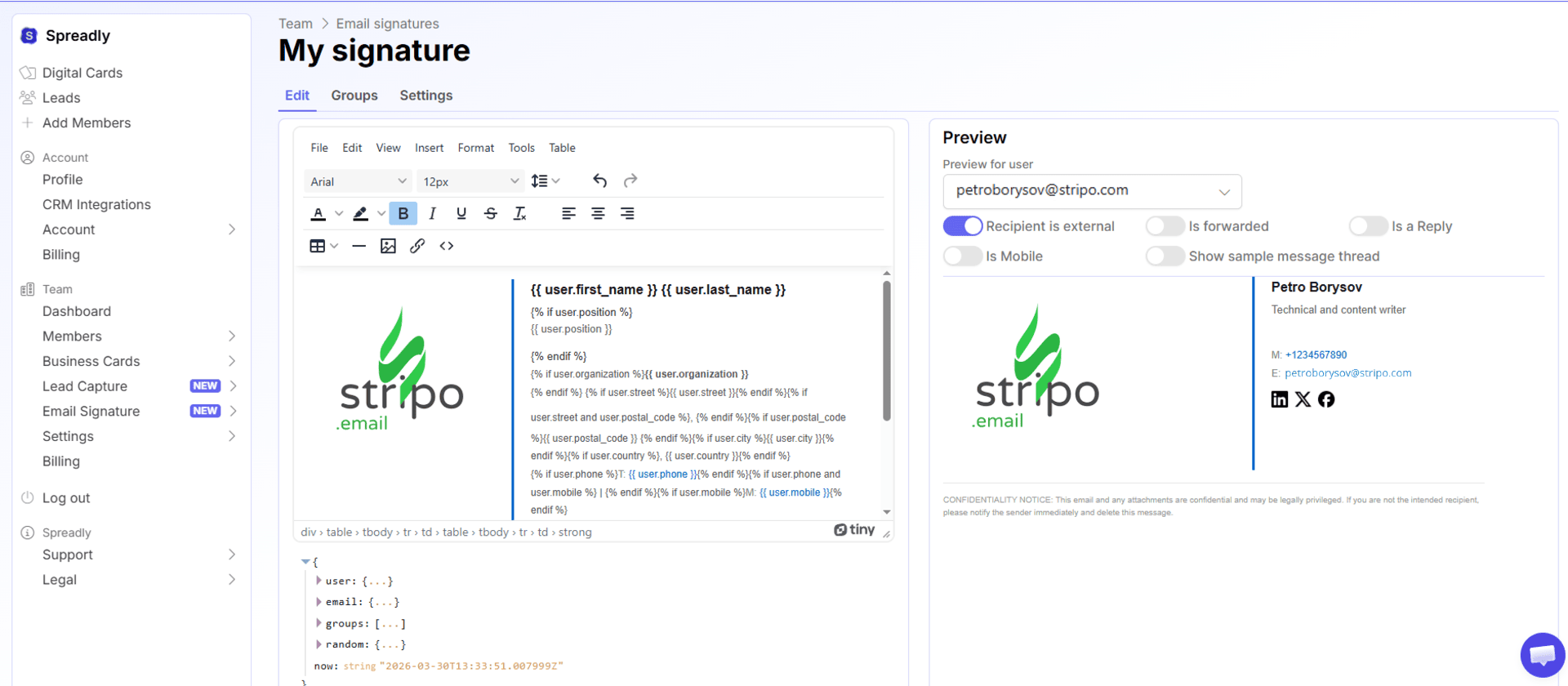
Spreadly offers a digital business card generator, with a library of templates for quick and hassle-free creation of forms, including email signatures. There is a basic set of tools for signature customizations, while AI capacities allow turning plain name, job title, company signatures into something unique and personalized. Spreadly emphasizes its business-tuned features, which can help integrate email signatures with bigger campaigns. With the Spreadly API, the platform can also be easily integrated with your email client’s signature settings.
Price and rating
In addition to a quite feature-rich free plan, there are several Spreadly packages available:
- for individuals: professional: €5 per month, per user;
- for teams: digital business card: €2 per digital card; connect: €5 per digital card; enterprise: on request.
Spreadly has a rating of 4.8 out of 5 on G2. Reviews praise it for a simple way to embed email signatures and fast customizations out of the box.
Personal experience
Quite an unconventional constructor designed to create signatures for many people on a corporate scale.


Signature.email
A straightforward email signature design tool that allows users to create personalized, responsive email signatures.
Description
Signature.email focuses on the visualized, drag-n-drop creation of professional signature designs. This email signature platform allows you to organize contact details in different styles, for different impacts. There is an out-of-the-box integration with popular email clients and management platforms, including Gmail, Apple Mail, and Yahoo Mail. Signature.email’s paid plans expand the number of supported users and available templates. They also enable the use of more customizable colors, icons, fields, and more premium features and elements.
Price and rating
Signature.email allows you to create an email signature instantly, offering a limited choice of signature template options. As for the paid plans with the mentioned premium functionality, there are individual plus three company plans available:
- individual: $19 for a lifetime account with 1 personal signature;
- company: up to 50 users: $19 per month; up to 150 users: $29 per month; up to 300 users: $39 per month.
A custom plan can also be ordered if you need to use the platform for 300+ users.
Signature.email has a 5-star rating on Capterra, with reviews pointing out simple and clear functionality fitting for non-techies.
Personal experience
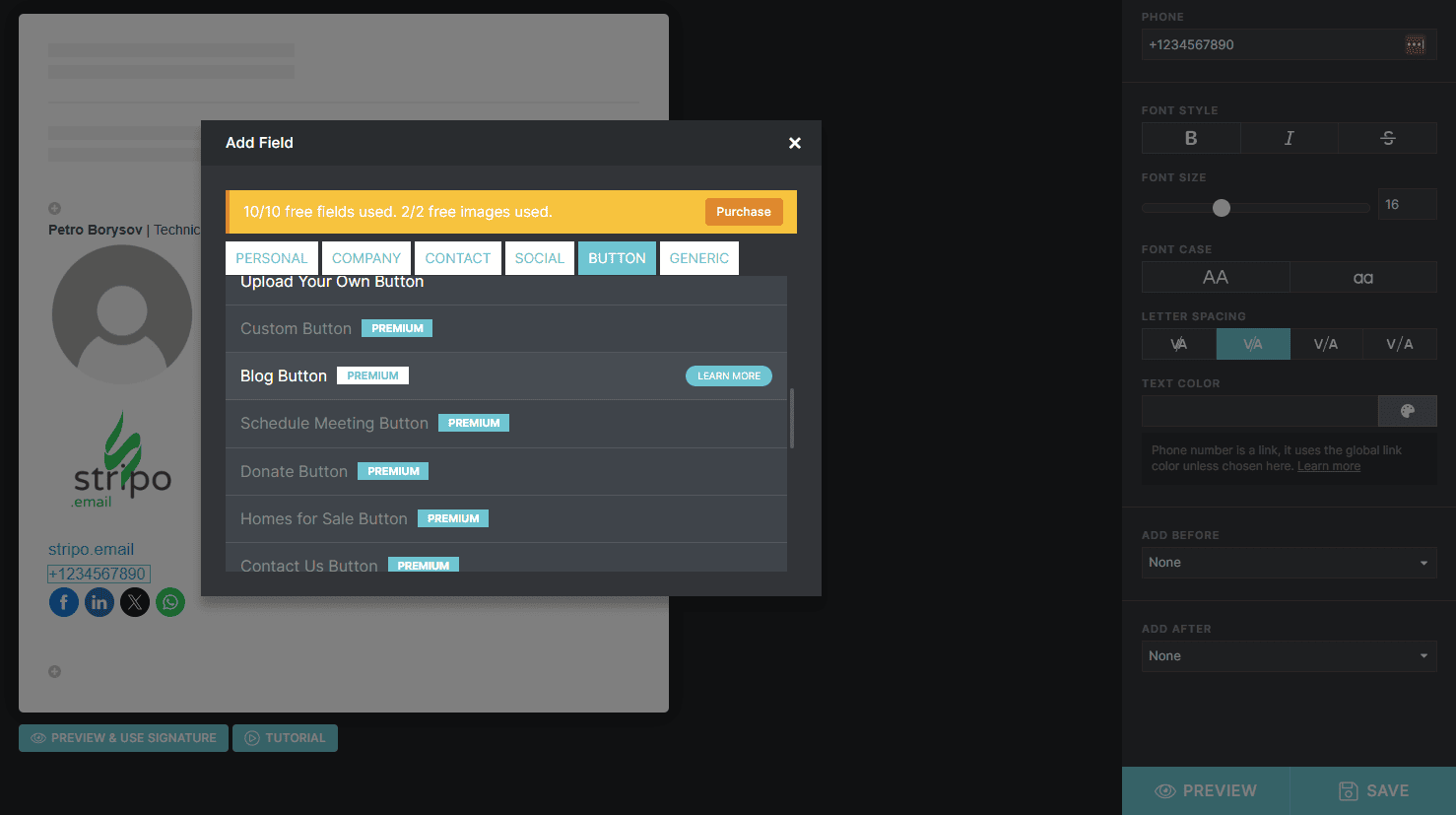
You can’t upload your own photos without creating a free account. Many features are paywalled, with 10 fields and 2 pictures available for free. It is convenient that you can add or delete rows, but you can do little, except changing alignment, if it doesn’t fit horizontally.


Newoldstamp
A comprehensive email signature design tool that focuses on creating visually appealing signatures for teams and individuals.
Description
Newoldstamp allows users to create and manage email signatures on an in-depth, integrated level. There are templates and customization tools, campaign-specific signatures, analytics and reporting, and more features for branded, marketing-driven emails. But the main thing about Newoldstamp is that you can use its email signature editor as part of a bigger email marketing ecosystem. This enables a simple cross-integration of email signature management across devices, platforms, and connected email clients.
Price and rating
There is a free 7-day trial, during which you can create an unlimited number of signatures, but you can only start using them once you upgrade to a paid plan:
- 1 signature: $4,5 per signature per month (or $54 annually);
- 200 signatures: $1,3 per signature per month (or $3,199 annually).
You can also apply for a custom plan if you need more than 200 signatures.
Newoldstamp boasts 4.7 on G2 and 4.6 on Capterra, with reviews mostly praising its user-friendliness and simplicity combined with broad capabilities.
Personal experience
Everything you need without excesses. Convenient, appropriate, with all the tweaks and features I needed: an absolute workhorse.


ThriveDesk
An AI-focused, agentic platform that offers unique email signature design tools for facilitated signature management and email unification.
Description
ThriveDesk is a smart agentic platform with two free email signature creator options: a template-based editor and an AI-based generator. The first helps craft professional signature designs while fine-tuning details via a minimalistic, user-friendly UI. The latter helps automate the customization and generation of multiple email signatures. On top of that, ThriveDesk’s AI agents can be leveraged to create rule-based templates, summarize and rephrase signatures, sync up data, and suggest CTAs.
Price and rating
You can use ThriveDesk email signature generator for free.
ThriveDesk is rated at 4.7 by Capterra and 4.8 out of 5 by G2. According to reviews, users are particularly impressed by the ease of use and customer support responses.
Personal experience
Maximum simplicity, nothing extra, four templates, one color scheme adjustment. Click, click, click, ready. It’s a great tool if it suits your needs.


Exclaimer
A robust email signature design tool for organizations, offering advanced centralized management.
Description
Exclaimer is an all-in-one email signature design tool that provides appealing personalized signature templates and tools to customize them. It is a comprehensive platform that promises to help unify the brand feel of your business’s own signature. Exclaimer has a long list of integrations, allowing you to not only craft signatures, but also synchronize, automatically update, and share them (e.g., across Google and Microsoft ecosystems). The use cases for Exclaimer promise brand consistency, email compliance, and industry focus.
Price and rating
There is a month-long free trial available, with premium plans unlocking further functionality priced as follows:
- starter: $0,90 per user per month;
- standard: $1,45 per user per month;
- pro: $1,75 per user per month;
- enterprise: upon request.
Exclaimer bills all of the above plans annually.
It has 4.5 stars on both Capterra and G2, with reviews praising the signature grouping feature and easy setup.
Personal experience
Exclaimer is really nice. You can spatially arrange blocks, i.e., drag and drop, move them here and there, which feels like freedom of choice. It can add QR codes, calendars, legal and compliance, and even an interactive feedback tool! You can also upload your brand kit to mass-produce signatures for all your employees without a fuss.


MySignature
A user-friendly email signature design tool that provides customizable templates to create professional email signatures for any business or individual.
Description
MySignature is an email signature generator with a selection of templates, customization tools, integrations, and analytics tools. MySignature can be used to enrich regular contact details with marketing elements and attention-grabbers, like CTAs, icons, social media links, and more. It can even help add animated and interactive elements. MySignature comes as an extension that can be easily integrated with a browser or CRM system. It also offers the “enhance with AI” functionality, which suggests optimizations and contextual additions to signature designs.
Price and rating
There is a limited library of signature templates that you can access after registering, but to unlock the full MySignature functionality, you will need to purchase a plan:
- professional: up to 5 members: $6 per member per month ($360 annually); up to 100 members: $1,5 member per month;
- teams: up to 5 members: $2,4 per member per month; up to 200 members: $0,91 per member per month.
There’s also an Agency Hub plan, which allows enterprises working with multiple clients to leverage advanced MySignature with extra personalization.
Rated 4.8 by Capterra and 4.7 by G2, MySignature is noted as a time-saver tool with polished email signature designs.
Personal experience
Everything is in place. There are enough templates; you can add a CTA button, and you can adjust the design of the social media icons.


WiseStamp
An enterprise-grade email signature design tool that focuses on maintaining brand consistency with easy integration across platforms.
Description
WiseStamp is a big integrated platform for multi-level email signature management. It provides tools for creating, editing, and deploying professional email signatures, as well as for tracking their performance. The main specialization of WiseStamp is brand-consistent email signature design and management, with industry-based templates, professional filters, and smart suggestions. It also boasts seamless no-code integration with all email clients and platforms used by today’s businesses. There are a bunch of marketing features to boot.
Price and rating
Apart from its free email signature generator, WiseStamp has several email signature management plans:
- basic: $19 per month + $1 per user;
- grow: $49 per month + $1 per user;
- platforms: $189 per month + $1 per user;
- enterprise: Custom pricing.
Capterra rates WiseStamp 4.3 out of 5, G2 — 4.6, with users noting mobile optimization and tangible help in achieving brand consistency.
Personal experience
Full functionality for free, lots of design adjustments, a whole spectrum of CTAs, there's nothing to complain about. And if you have a team to be served, using attributes from the HR database will make for smooth sailing.


Wrapping up
The choice of a good email signature design tool is an individual preference, but the summaries above should direct and simplify your search. The right tool can do wonders in terms of scaling email-related metrics, including ROI. Use this overview as your source of feature and price comparisons.
Join over 1 700 000 users
Start with free email template builder — upgrade anytime